bim
Navisworks — BIM Coordination & Clash Detection
1 month Online & Offline
Navisworks (Structural BIM) Course Overview
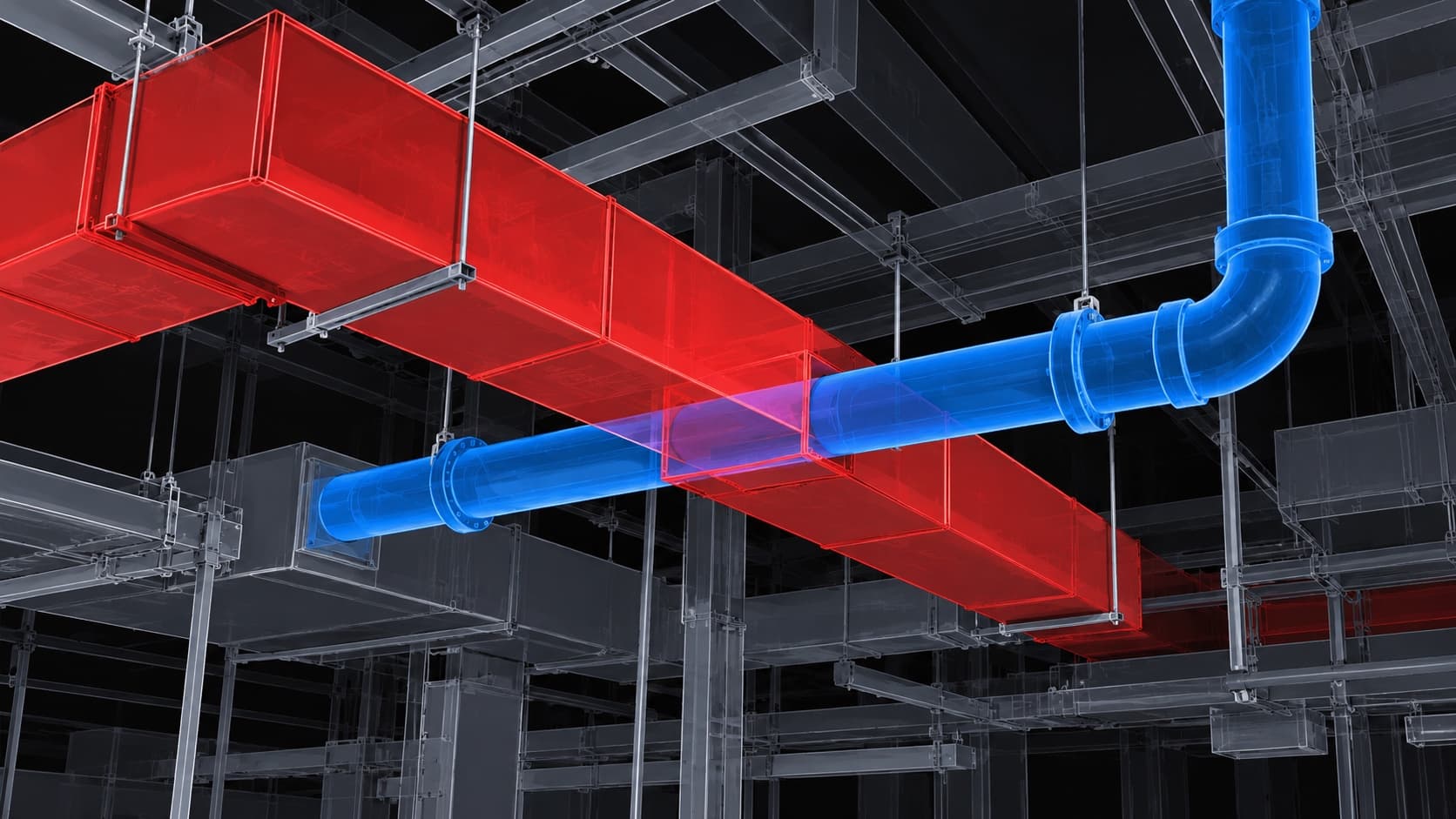
Master Autodesk Navisworks for BIM project coordination, clash detection, and construction simulation. Navisworks is the industry standard tool for combining multi-discipline models and identifying coordination issues before construction.
Quick Skill Development
Flexible Learning Options
Industry-Relevant Curriculum
Affordable and Cost-Effective
Course Highlights
- Combining multi-discipline BIM models
- Automated clash detection and reporting
- Construction simulation (4D BIM)
- Project review and markups
- Navisworks Manage and Freedom
What You Will Learn
- Navisworks interface and file formats
- Appending and merging multi-discipline models
- Clash Detection: running and managing clashes
- TimeLiner for construction sequencing (4D)
- Quantification and takeoff in Navisworks
- Creating and exporting clash reports
- Viewpoints and markups for project reviews
Who Should Take This Course
- BIM coordinators and managers
- Project managers and engineers
- Architects and MEP engineers involved in BIM
- Construction professionals
Questions & Answers
Find answers to all your queries about our service.
Do I need Revit experience to learn Navisworks?+
You should have at least basic Revit knowledge, as Navisworks works with Revit models. We can guide you on prerequisites.
Boost Your Skills, Fast-Track Your Future! Enroll Today!
WhatsApp UsGet Free Career Counseling Today
No obligation — free consultation
Course Details
Duration1 month
ModeOnline & Offline
Categorybim
Looking for a different course?