
data analytics
Microsoft Excel — From Beginner to Confident User
3 weeks Online & Offline
Excel Course Overview
Learn Microsoft Excel from scratch and build the skills you need for workplace productivity. Covers all essential Excel skills including formulas, charts, data management, and printing professional reports.
Quick Skill Development
Flexible Learning Options
Industry-Relevant Curriculum
Affordable and Cost-Effective
Course Highlights
- Excel basics to intermediate level
- Essential formulas for workplace use
- Charts and data presentation
- Sorting, filtering and data management
- Printing and page layout for professional reports
What You Will Learn
- Excel interface, navigation and shortcuts
- Data entry, formatting and cell styles
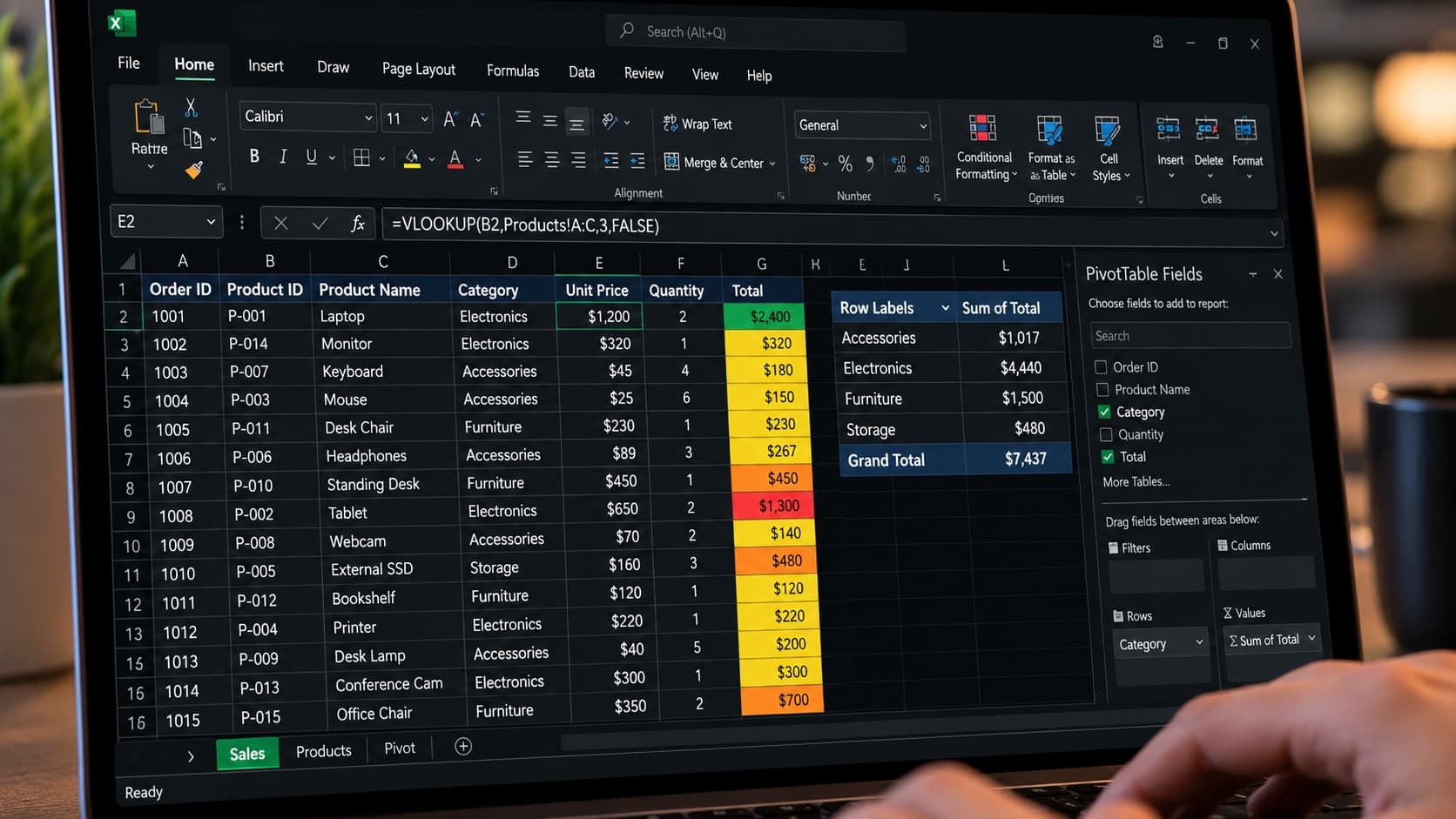
- Essential formulas: SUM, AVERAGE, COUNT, IF, VLOOKUP
- Sorting, filtering and tables
- Creating charts and graphs
- Printing and page setup
- Basic PivotTables
Who Should Take This Course
- Beginners with little or no Excel experience
- Job seekers wanting to add Excel to their CV
- Administrative and clerical staff
- Students entering the workforce
Questions & Answers
Find answers to all your queries about our service.
Is this course for complete beginners?+
Yes, we start from absolute basics, assuming no prior Excel knowledge.
Boost Your Skills, Fast-Track Your Future! Enroll Today!
WhatsApp UsGet Free Career Counseling Today
No obligation — free consultation
Course Details
Duration3 weeks
ModeOnline & Offline
Categorydata analytics
Looking for a different course?